Selection
S-FRAME: Selection (p602), Pick objects (p2770), Select Special (p1483), Group folders (p577), Esc (p1086).
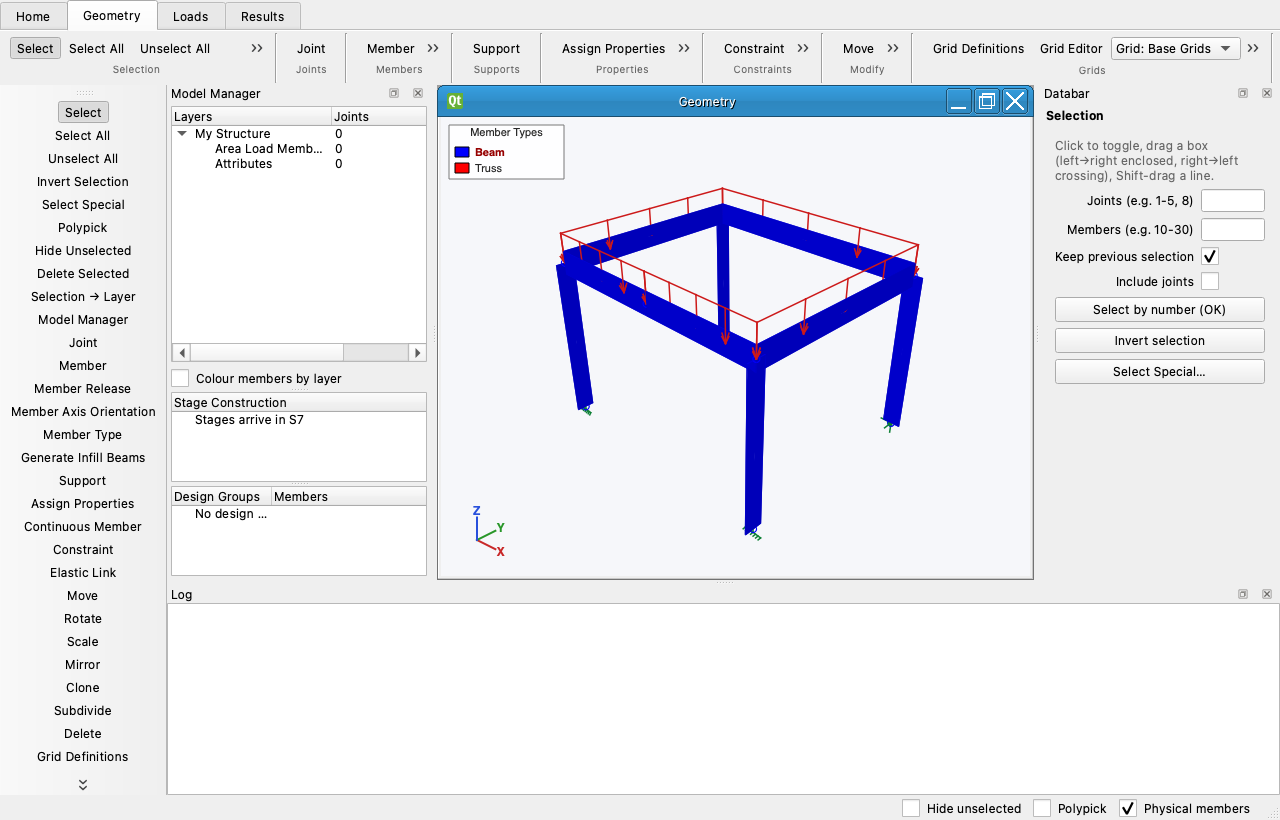
Picking
- A click toggles a joint or member; Ctrl unpicks; a click on empty space keeps the selection.
- Drag a box left→right for what is enclosed, right→left for what crosses the box; Ctrl-box unpicks.
- Shift-drag picks everything the line crosses. With Polypick on, click corners on empty space and click the first again to close a fence polygon.
- Include joints brings the end joints of picked members along.
- As in S-FRAME (help p523): joints are circles, empty when unselected and filled when selected; members are dotted when unselected and solid when selected, and keep their colour, which is the member type's (beam blue, truss red, per the Legend in the viewport corner, View › Legend). The extruded view highlights the selection in orange instead, since a solid section has no line style.
Select All, Unselect All, Invert, by number
In Geometry › Selection (Ctrl+A, Ctrl+I) and in the Databar: type ranges like 1-5, 8, 10-30 and press
Select by number; Keep previous selection adds instead of replacing.
Select Special
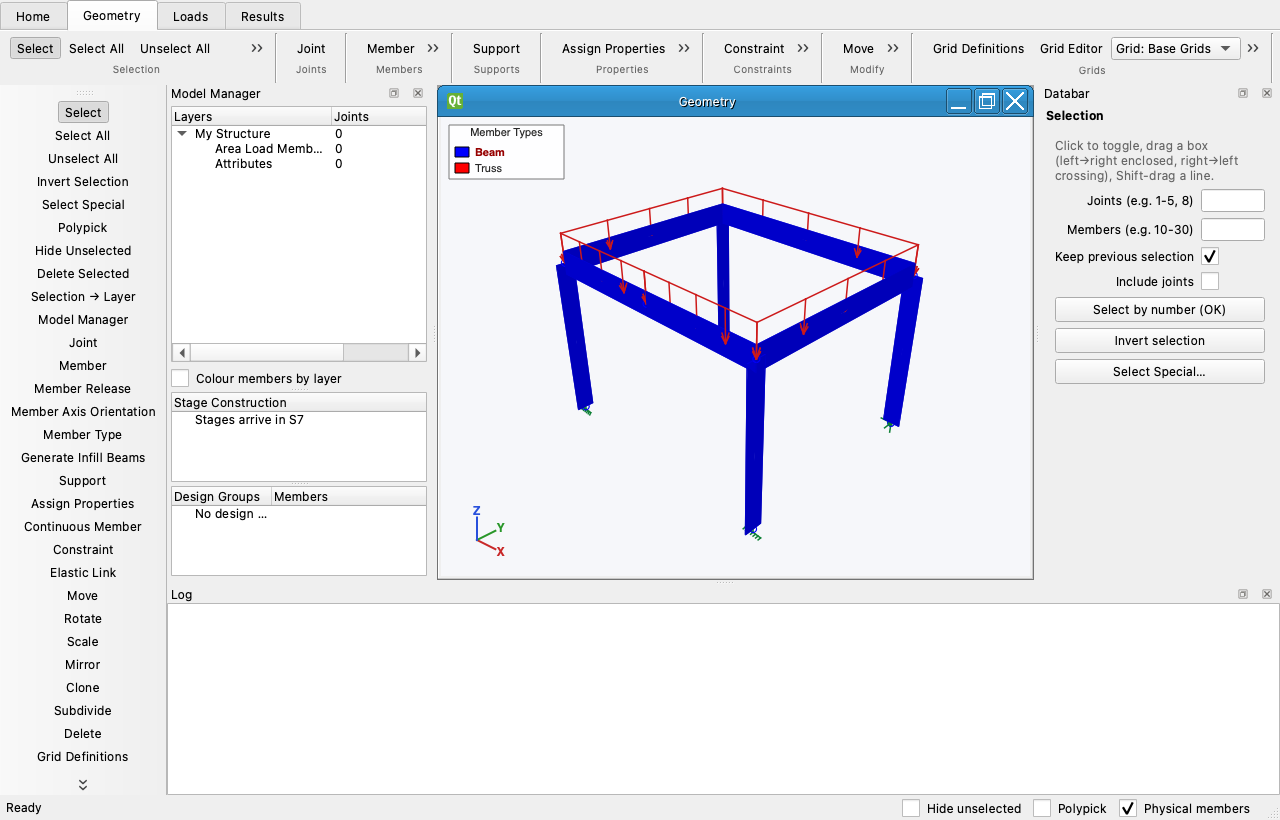
Select or Unselect by joint and member ranges, joint attribute (supported, springs, masses, free), member type, section, material, group folder, story, geometry (Horizontals / Verticals / Diagonals with a tolerance) and member attribute (released, offsets, truss). Apply keeps the dialog open.
Group folders
Clicking a folder in the Model Manager selects its objects; Selection → Layer saves the current selection as a folder; Add To / Remove From edit it. My Structure is everything.
Hide Unselected and Esc
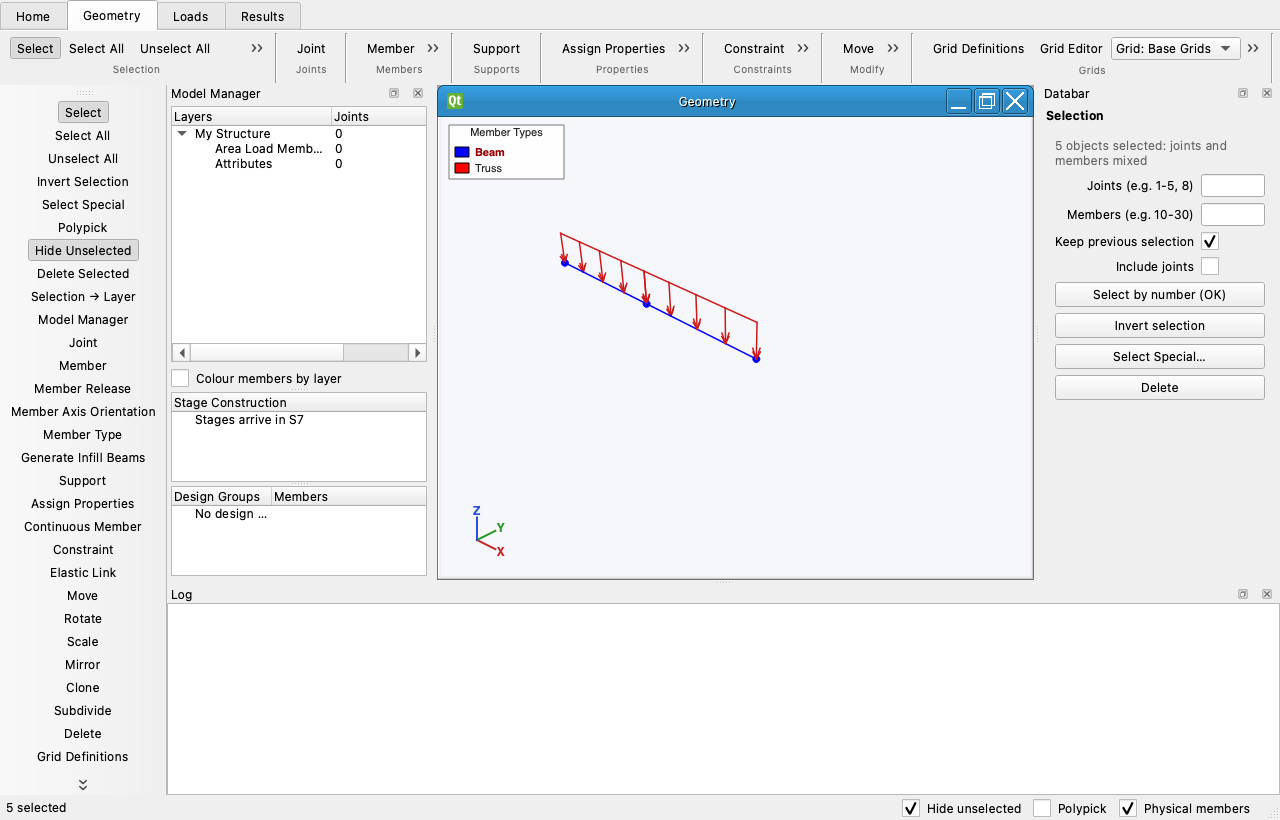
Hide Unselected (status bar, Home › View) shows only the selection and its joints; hidden objects cannot be picked. Esc cancels an operation in progress (a half-drawn member, a polygon, a plane); pressed again it returns to the Selection tool, unselects everything, turns Hide Unselected off, makes My Structure current and zooms to extents.
Right-click menu
Zoom 2x / ½x, Select or Unselect Single Object, Select or Unselect All Intersecting Objects (a joint's members), Properties… (the Spreadsheet on the object's row; the load sheet under the Loads tab), Joint / Member results, Delete.