Loads and combinations
S-FRAME: Loads window (p658), Load tools (LoadToolsDescribed disposition), Joint loads (p112), Member loads (p178, Display of loads p535).
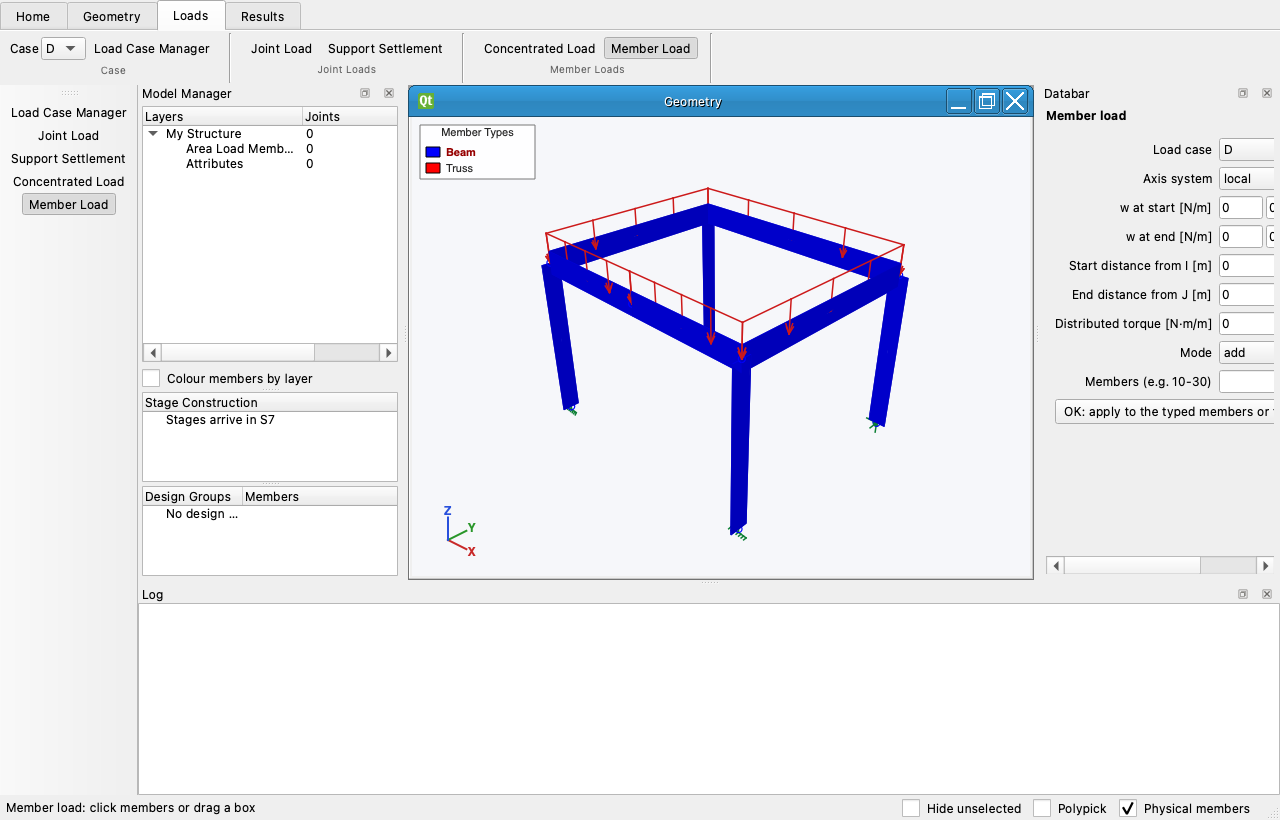
Loads belong to a case (the Case list on the Loads tab). Each load tool has a Databar: set the values, then click joints or members, or drag a box; Replace or Add decides what happens to loads already there. Ctrl-click removes that tool's loads from the object for the current case. Selection first also works: select the objects, or type their numbers in the range cell ("10-30"), and press OK (S-FRAME Data bar, p631).
| Tool | Databar |
|---|---|
| Joint Load | Fx…Mz in the global or the joint's own axes |
| Support Settlement | six prescribed displacements on restrained DOFs |
| Concentrated Load | location (distance or fraction of L), P and M, local or global |
| Member Load | wI, wJ (trapezoidal), partial start/end, global / projected, torque. Drawn as a closed diagram: arrows over the loaded length with a line joining their tails, so a distributed load is never mistaken for a row of concentrated loads |
Self-weight is a per-case factor (Load Case Manager) computed from area × density.
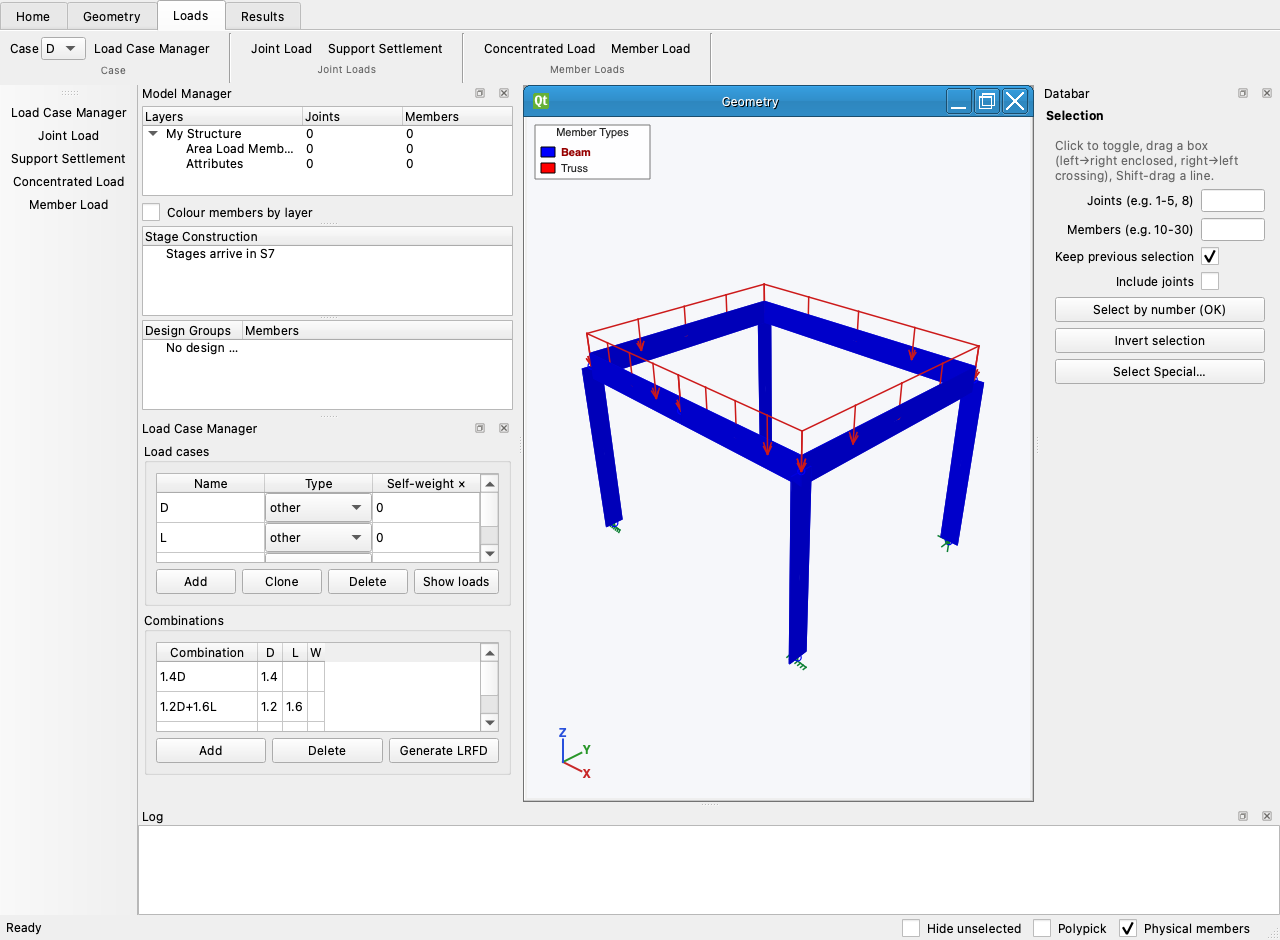
The Load Case Manager adds, renames, clones and types cases (dead, live, snow, wind, seismic…) and generates the LRFD combinations from the types; the Combinations tab of the Spreadsheet edits factors.